Pick two. The table shows their rating, their Openness score and the facts behind it, each from the vendor's own pages.
From $22.99 a month
Adobe Acrobat lets individuals and businesses create, edit, sign, and convert PDF documents across desktop and mobile devices.
Want to compare general tools, like two CRMs or two project tools? Every tool page has a Compare button, with no limit.
Grab a 15-minute chat. Sometimes the answer is to build the missing piece next to what you run.
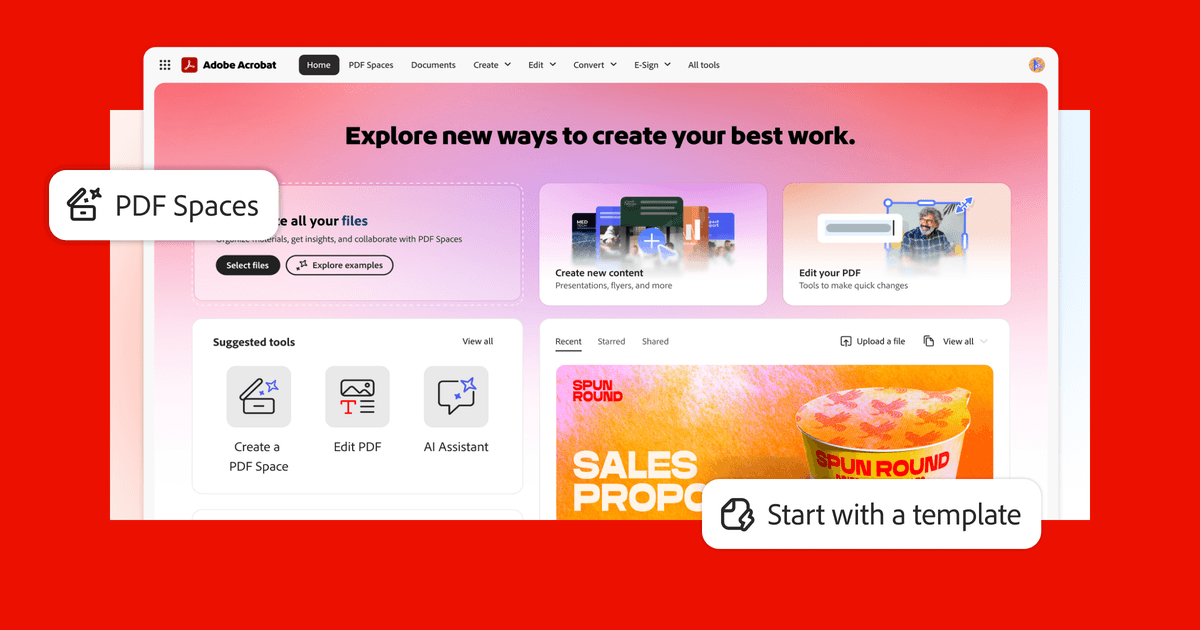
Acrobat includes an AI Assistant that lets you ask questions about PDF content, get summaries, and pull out key information from long documents. It can also help generate text and review documents faster without reading every page manually.
Adobe Acrobat is best for small businesses that regularly work with PDFs — think contracts, proposals, or forms you need clients to sign. It's the gold standard for PDF editing and e-signatures, but the price tag (starting around $23/month) feels steep when cheaper alternatives like Smallpdf or even built-in tools handle basic needs just fine. If your team lives in PDFs daily, it's worth it; if you only need it occasionally, you're probably overpaying.