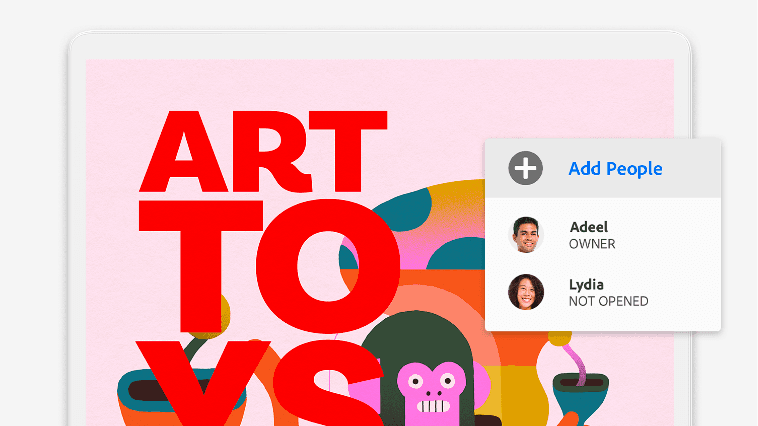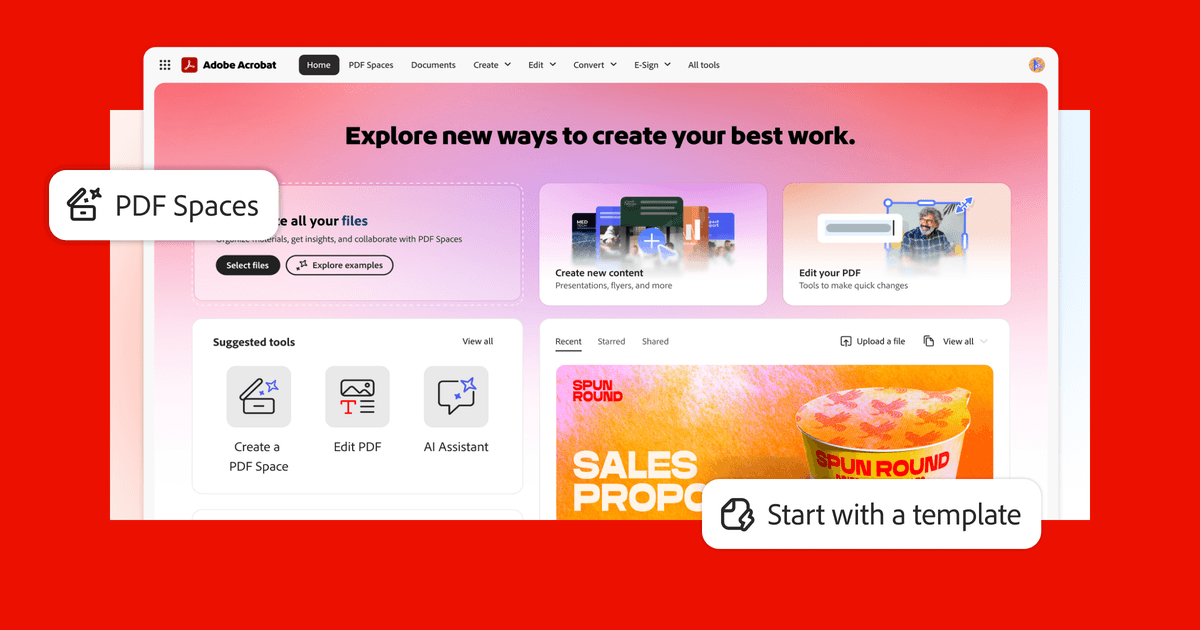
Adobe Acrobat lets individuals and businesses create, edit, sign, and convert PDF documents across desktop and mobile devices.
Create, edit, and organize PDF documents from any file type
Collect legally binding e-signatures from clients and partners
Fill out, create, and send PDF forms
Protect documents with passwords, permissions, and redaction tools
Convert PDFs to Word, Excel, PowerPoint, and other formats
Use AI to summarize and ask questions about long PDF documents
No integrations listed yet for Adobe Acrobat.
Acrobat includes an AI Assistant that lets you ask questions about PDF content, get summaries, and pull out key information from long documents. It can also help generate text and review documents faster without reading every page manually.
Adobe Acrobat is best for small businesses that regularly work with PDFs — think contracts, proposals, or forms you need clients to sign. It's the gold standard for PDF editing and e-signatures, but the price tag (starting around $23/month) feels steep when cheaper alternatives like Smallpdf or even built-in tools handle basic needs just fine. If your team lives in PDFs daily, it's worth it; if you only need it occasionally, you're probably overpaying.
AI-generated training guides tailored to your team's size, skill level, and focus areas for Adobe Acrobat — coming in v0.3.2.
View our roadmap →We're building a review system so business owners like you can share real experiences with Adobe Acrobat.