STOA's verdictRating 7.2 out of 10
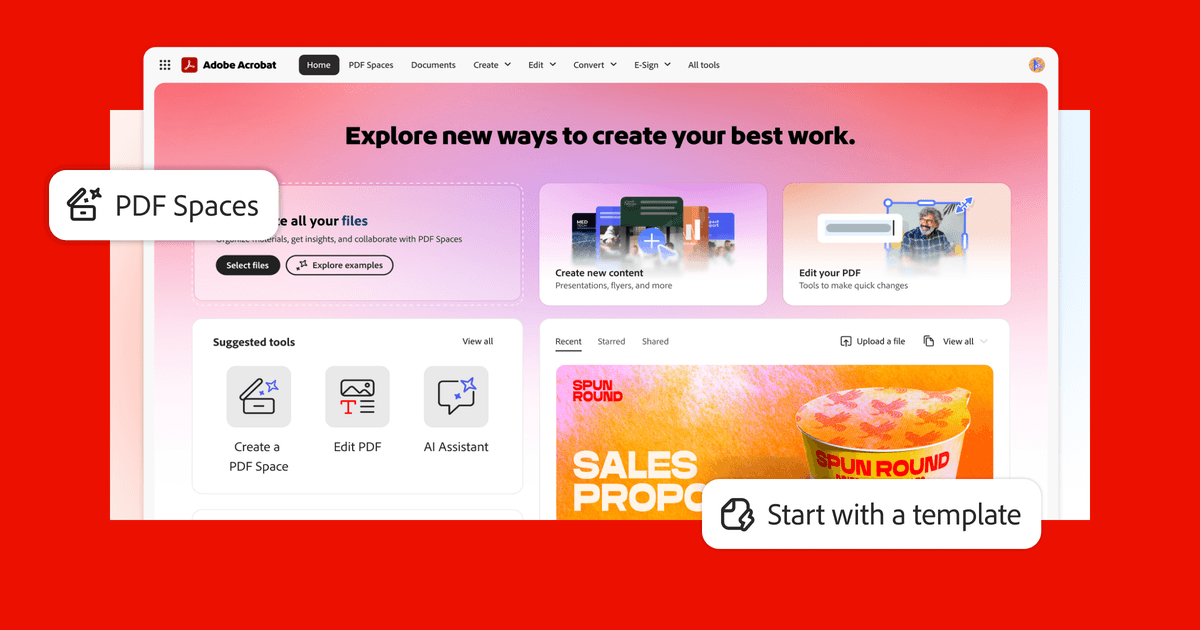
If your team just needs to open, read, and print PDFs, Adobe Acrobat Reader is the go-to free tool that works reliably on almost any device.
The free version covers basic PDF viewing well, but you'll hit a wall fast if you need to edit, sign, or convert documents without paying for a higher-tier Adobe plan. It's a solid foundation, but most small businesses will eventually need more than the free version offers.
Five factors, weighted · rubric v1How we rate
- SMB Fit 30%6.0 out of 10
Free on desktop and mobile with no subscription, but Adobe says it suits individuals who view, print and lightly annotate PDFs, and text editing needs a paid Acrobat plan.