Adobe Acrobat Sign is best for small businesses that regularly send contracts, agreements, or forms for signature.
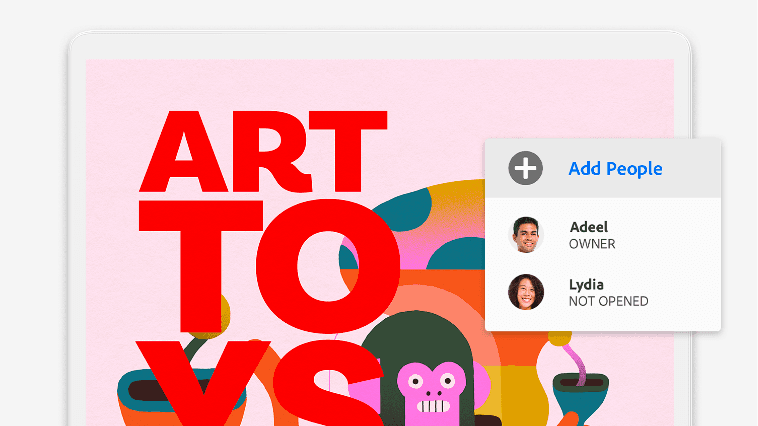
Send documents to one or multiple people for e-signature from desktop or mobile
Track document status in real time so you always know what's been signed
Collect unlimited e-signatures on team plans with no usage caps
Create fillable forms and collect payments through document workflows
Add your company branding to signature requests for a professional look
Integrates with tools like Microsoft 365, Salesforce, and other business apps
Sources:
Sources: www.adobe.com·www.adobe.com·Verified April 2026
No integrations listed yet for Adobe Acrobat Sign.
The Acrobat Studio for teams plan includes Acrobat AI Assistant, which can summarize documents and answer questions about PDF content. This can save time when reviewing long contracts or agreements.
Acrobat Sign is a solid pick for small businesses that already use Adobe Acrobat and need a reliable way to collect e-signatures on contracts, HR forms, or client agreements. The biggest pro is that it's a trusted, legally compliant platform with unlimited signatures on team plans. The main downside is cost — at nearly $24 per user per month, it's pricier than standalone e-signature tools like DocuSign or HelloSign, so it makes the most sense if you also need Acrobat's full PDF toolkit.
AI-generated training guides tailored to your team's size, skill level, and focus areas for Adobe Acrobat Sign — coming in v0.3.2.
View our roadmap →We're building a review system so business owners like you can share real experiences with Adobe Acrobat Sign.
Last researched: April 2026