Pick two. The table shows their rating, their Openness score and the facts behind it, each from the vendor's own pages.
Price on request
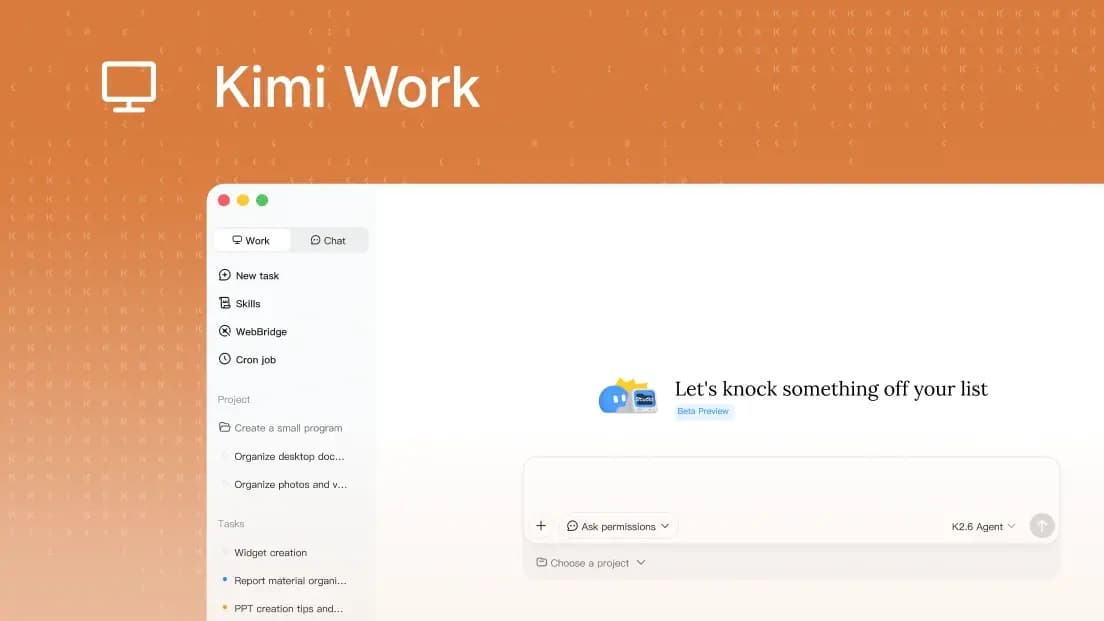
Kimi Work is a desktop AI agent for Mac and Windows that connects to Moonshot AI's cloud models. You get an assistant that reads your local files, runs browser tasks autonomously with WebBridge, and executes Python scripts and LLM calls on a schedule using a built-in Cron engine. It also coordinates multiple specialized AI agents in a swarm to break down and solve complex research or analysis tasks.
Want to compare general tools, like two CRMs or two project tools? Every tool page has a Compare button, with no limit.
Grab a 15-minute chat. Sometimes the answer is to build the missing piece next to what you run.
Powered by Moonshot AI's Kimi models; supports LLM agent calls, autonomous browser control via WebBridge, multi-agent swarm coordination, and scheduled AI task execution
Kimi Work is for power users who want an AI agent that lives on their machine, not in a browser tab. The WebBridge automation and Cron scheduling are genuinely useful for repetitive research and data tasks. The tradeoff: it's a desktop app with no cloud fallback, and pricing transparency is missing at launch.