Full side-by-side comparison with strengths, weaknesses, pricing, and AI insights.
Add another tool (up to 4):
Practical analysis powered by AI — which tool actually fits your business?
Get an AI-powered breakdown of the real differences between Pica — including a clear recommendation, hidden trade-offs, and scenario-based advice.
Requires a free account. Sign up in 30 seconds
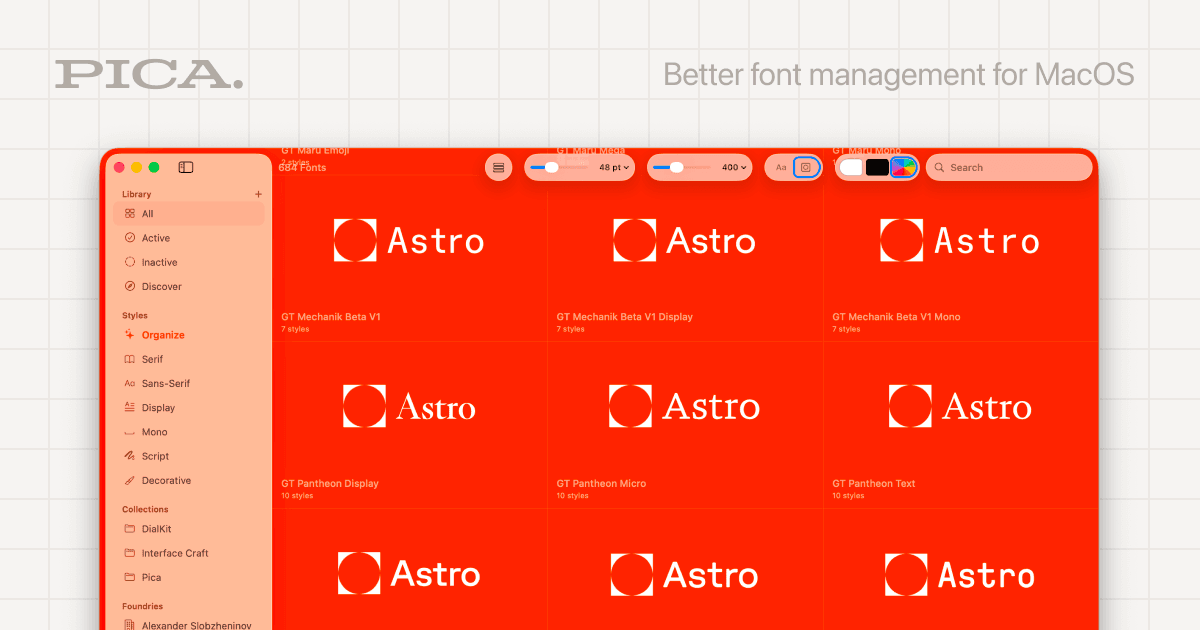
Pica helps you manage fonts on your Mac without the clutter. You can preview logos, switch color themes, and activate fonts in one click. It's a free, native Mac app built for designers and creatives who work with lots of typefaces.
A STOA consultant can help you evaluate these tools based on your specific business needs and walk you through implementation.
Talk to STOAPica is a solid pick for freelance designers or small creative studios on Mac who juggle a large font library. The one-click activation and logo previews are genuinely useful, and the free price tag is hard to beat. That said, it's a solo-developer project with no team features, so if you need shared font libraries across a team, you'll want to look elsewhere.