Full side-by-side comparison with strengths, weaknesses, pricing, and AI insights.
Add another tool (up to 4):
Practical analysis powered by AI — which tool actually fits your business?
Get an AI-powered breakdown of the real differences between Dina — including a clear recommendation, hidden trade-offs, and scenario-based advice.
Requires a free account. Sign up in 30 seconds
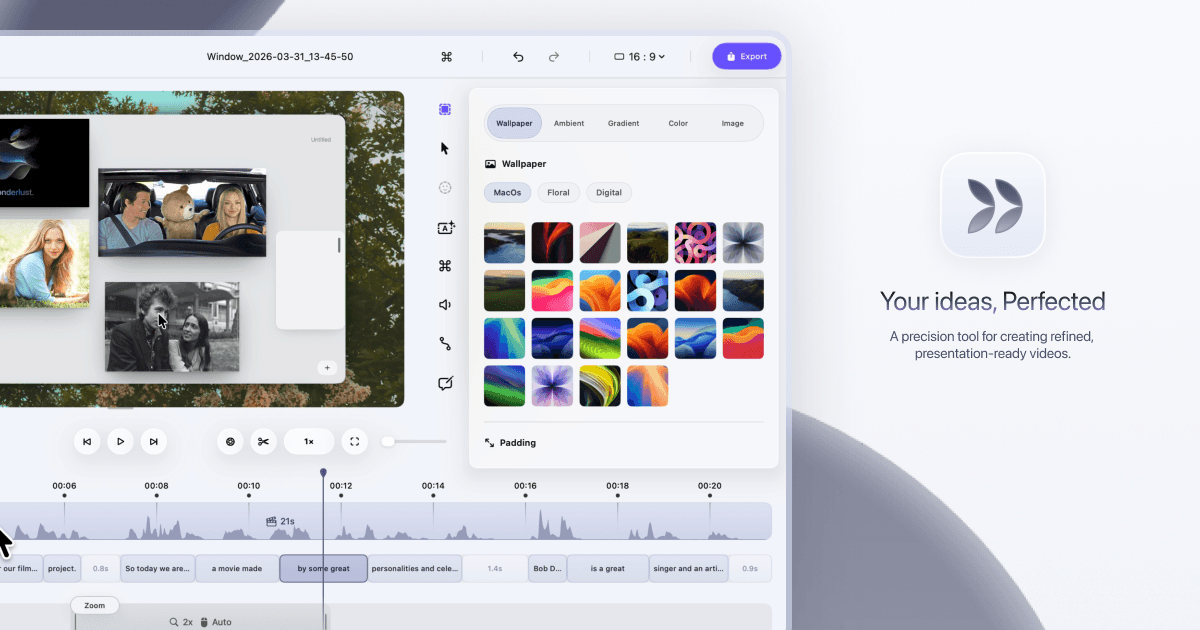
Dina helps you turn screen recordings into polished, presentation-ready videos without spending hours editing. You get automatic zoom, smooth cursor animations, AI-generated captions, and 4K export — all in one Mac app. It handles the cleanup so your demos and tutorials look professional from the first take.
A STOA consultant can help you evaluate these tools based on your specific business needs and walk you through implementation.
Talk to STOADina is a strong pick if you're a Mac-based solopreneur or small team that regularly records product demos, tutorials, or client walkthroughs. The automatic zoom and AI transcript editing alone can save you 2-3 hours per video compared to manual editing in a basic screen recorder. The catch: pricing isn't public, it's Mac-only, and it's early-stage — so test it before committing.