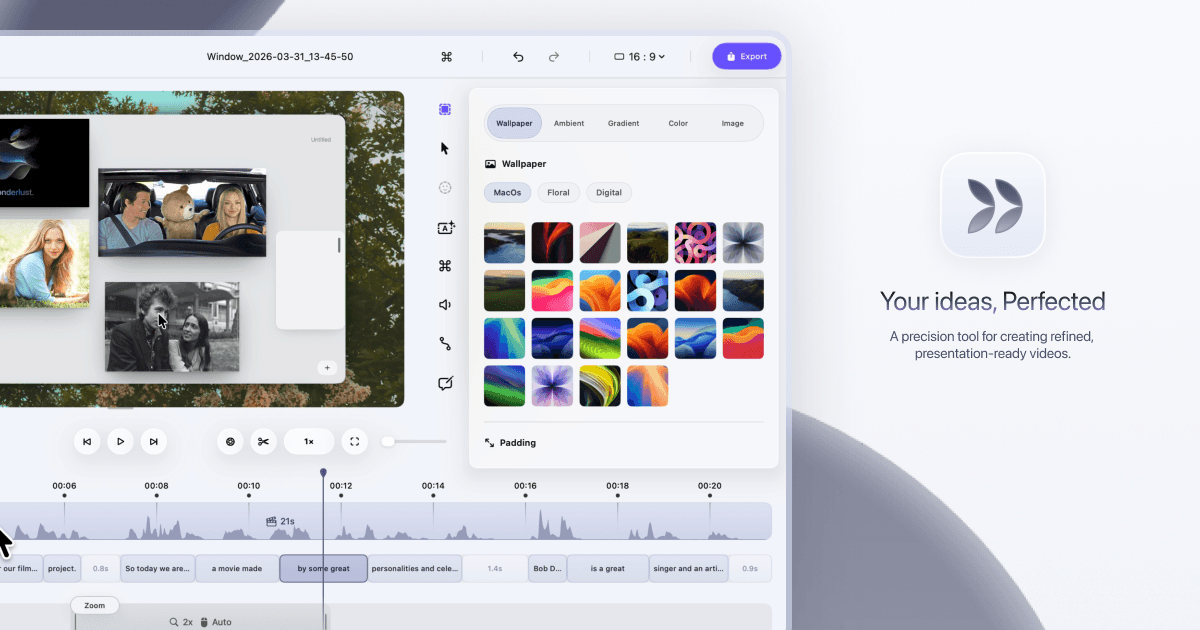
After Dina polishes your product demo or tutorial, send the exported video to Loomly (a social media scheduling tool) so you can queue it up for LinkedIn, Instagram, or Facebook without switching apps. You pick the date and caption, and Loomly handles the posting. This keeps your content calendar full without extra editing work.
Record and finalize your demo video in Dina with captions and 4K export
Export the video file from Dina to your desktop or cloud storage
Log into Loomly and create a new post for your chosen social channel
Upload the Dina-exported video to Loomly and paste the AI-generated captions as your post text
Schedule the post for your preferred date and time
Create a free account to get the steps written out for your tools, click by click.
Create a free accountPost more videos every week and save time on content prep by skipping manual editing.
Grab a 15-minute chat. We don't sell software, so we have no stake in which one you use.
Run this in your main platform instead? Check how it connects first: its API, native apps, Zapier or Make, and the plan each one needs.
Open the Integration CheckerWe build the missing piece next to the software you already run.
Get it built