Cut SOP creation time from 2 hours to 20 minutes and get new hires up to speed 3 days faster.
~2 hrs
Saved / wk
Easy
Setup
AI-Assisted
AI
Record your screen in Dina, then export the polished video and AI-generated captions to a Notion page as a step-by-step standard operating procedure (SOP). Your team gets a clean, searchable training doc without you typing a single word. This works great for onboarding new hires or documenting recurring tasks.
~2 hrs
Saved / Week
Easy to set up
Setup Complexity
AI Status
Step 1: Record your workflow in Dina and let it auto-apply zoom and captions
Step 2: Export the finished video and caption transcript from Dina
Step 3: Create a Notion database called 'SOPs' with fields for title, video embed, and transcript
Step 4: Paste the exported video link and captions into the matching Notion page
Step 5: Share the Notion page with your team and set permissions
Upgrade to Plus for AI-powered step-by-step guides
See PlansNotion is an all-in-one workspace where your team can write notes, track projects, build databases, and share knowledge — all in one place. Instead of juggling separate apps for documents, project boards, and wikis, Notion puts everything under one roof. Over 100 million people use it, from solo freelancers to large companies. The free plan is generous. You get unlimited pages, a calendar, email, basic forms, and databases at no cost. When your team grows, the Plus plan starts at $10 per member per month and adds collaboration features. Notion also includes built-in AI that can search across your workspace, write drafts, summarize long documents, and fill in database fields automatically — saving you hours of manual work each week. Where Notion really shines is flexibility. You can mold it into almost anything: a CRM, a content calendar, a hiring tracker, or an internal wiki. It connects with about 197 other apps, including two-way syncing with tools like Jira, GitHub, and Asana. If your business needs one hub to organize everything, Notion is a strong contender.
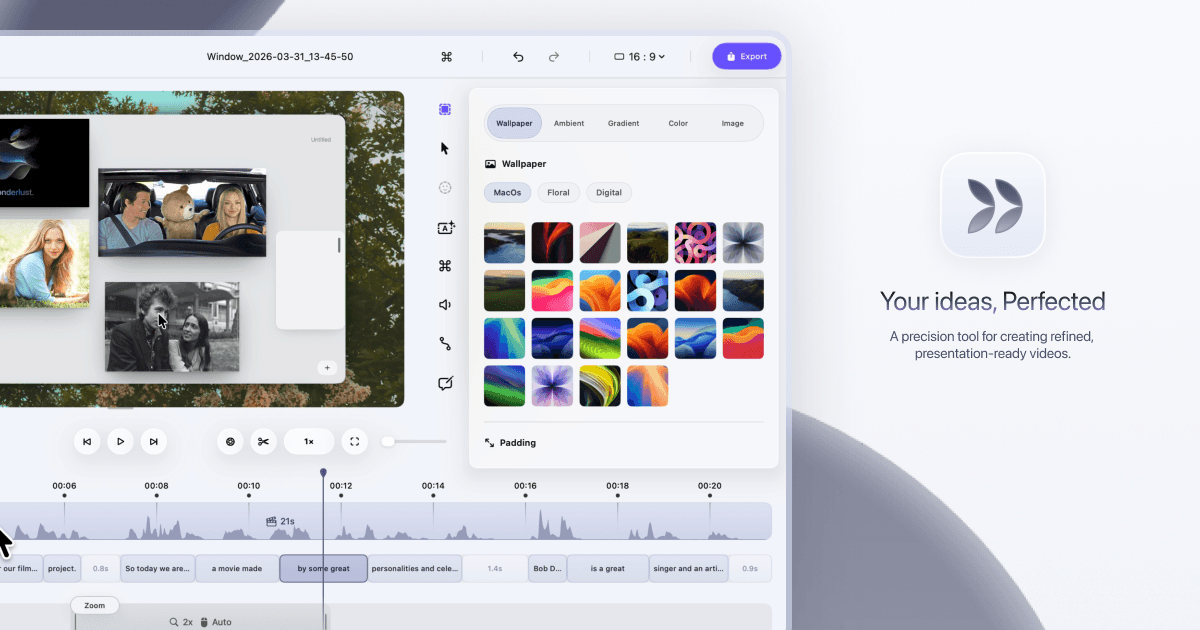
Dina helps you turn screen recordings into polished, presentation-ready videos without spending hours editing. You get automatic zoom, smooth cursor animations, AI-generated captions, and 4K export — all in one Mac app. It handles the cleanup so your demos and tutorials look professional from the first take.