Snapr lets you take screenshots, record your screen, and annotate everything — all from one keyboard shortcut.
Capture screenshots, screen recordings, and iOS device recordings from a single shortcut
Record up to 4K 60fps with hardware-accelerated encoding on Mac and Windows
Annotate images and video frames with arrows, boxes, text, pixelate, and more
Scroll-capture long pages and stitch them into one seamless image or PDF
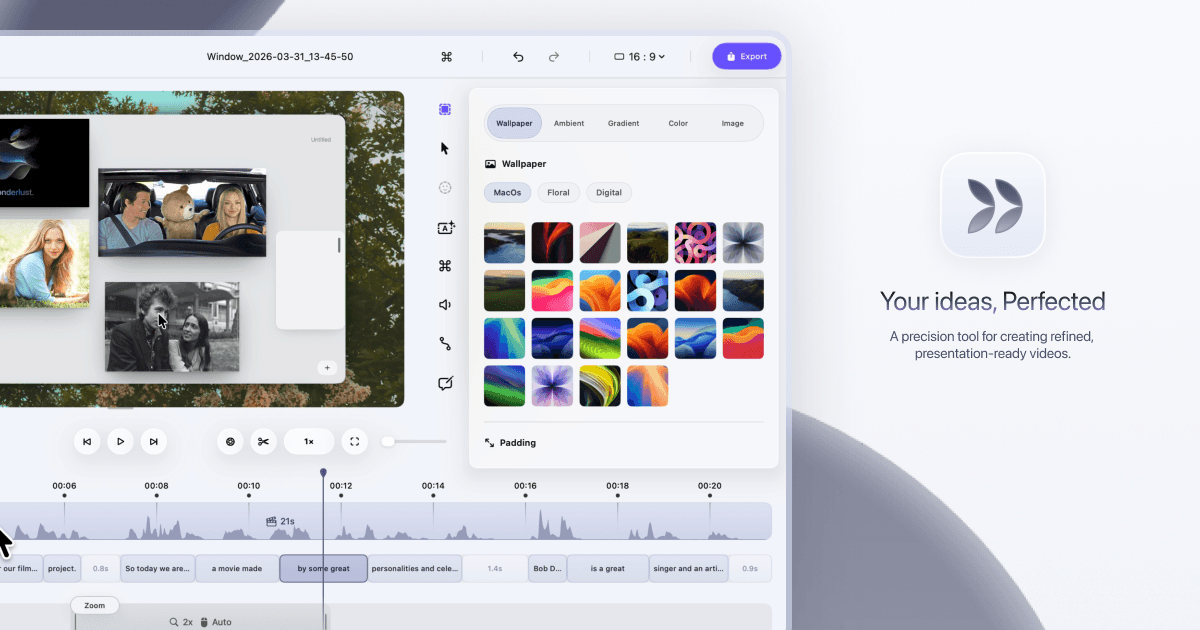
Add cinematic zoom, custom cursors, click effects, and speed ramps to recordings
Works fully offline — no cloud, no telemetry on your captures
Source:
No integrations listed yet for Snapr.
This tool does not currently include AI features.
We update tool profiles regularly. Check back for changes or explore our AI Tools category for AI-powered alternatives.
Snapr is a solid pick for small teams that regularly create tutorials, product demos, bug reports, or onboarding videos. You get a lot of capability — 4K recording, scroll capture, cinematic zoom — for a one-time price that undercuts most subscription tools. The tradeoff is that it's a newer app without a long track record, so if you need rock-solid reliability for client-facing work, give it a few more version cycles before going all-in.
AI-generated training guides tailored to your team's size, skill level, and focus areas for Snapr — coming in v0.3.2.
View our roadmap →We're building a review system so business owners like you can share real experiences with Snapr.
Last researched: May 2026