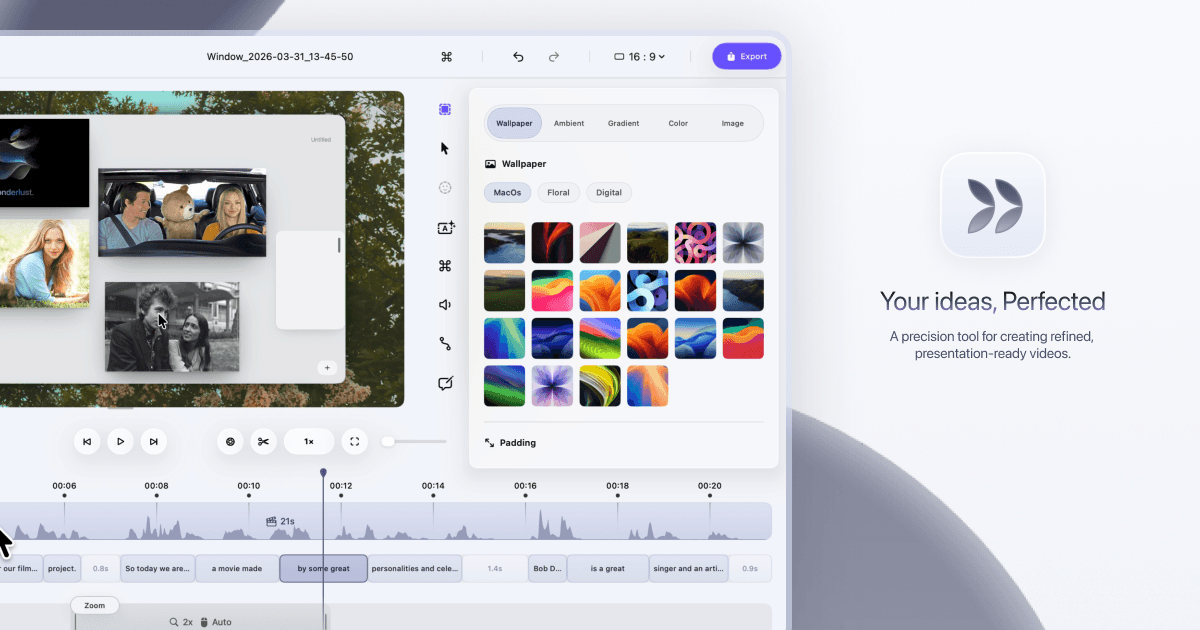
When you finish a project, record a short walkthrough video in Dina showing the client how to use what you built. Then embed that polished video directly inside a Coda doc (a flexible document and spreadsheet tool) alongside your written handoff notes. Clients get everything in one place and stop emailing you basic how-to questions.
Record a short walkthrough of the deliverable in Dina after project completion
Export the video and copy the AI-generated captions from Dina
Open your client handoff Coda doc and add a 'How-To Video' section
Embed the video link and paste captions as a written summary below it
Share the Coda doc with the client and set view-only permissions
Create a free account to get the steps written out for your tools, click by click.
Create a free accountCut post-delivery support emails and spend less time on client follow-up each week.
Grab a 15-minute chat. We don't sell software, so we have no stake in which one you use.
Run this in your main platform instead? Check how it connects first: its API, native apps, Zapier or Make, and the plan each one needs.
Open the Integration CheckerWe build the missing piece next to the software you already run.
Get it built