The world's most popular code hosting platform.
If your business builds software, GitHub is the standard your developers expect. Free tier covers most small teams. Actions saves you from a separate CI/CD service. Copilot is a game-changer for productivity.
Host unlimited public and private code repositories
Collaborate through pull requests, code reviews, and issues
Automate testing and deployment with GitHub Actions
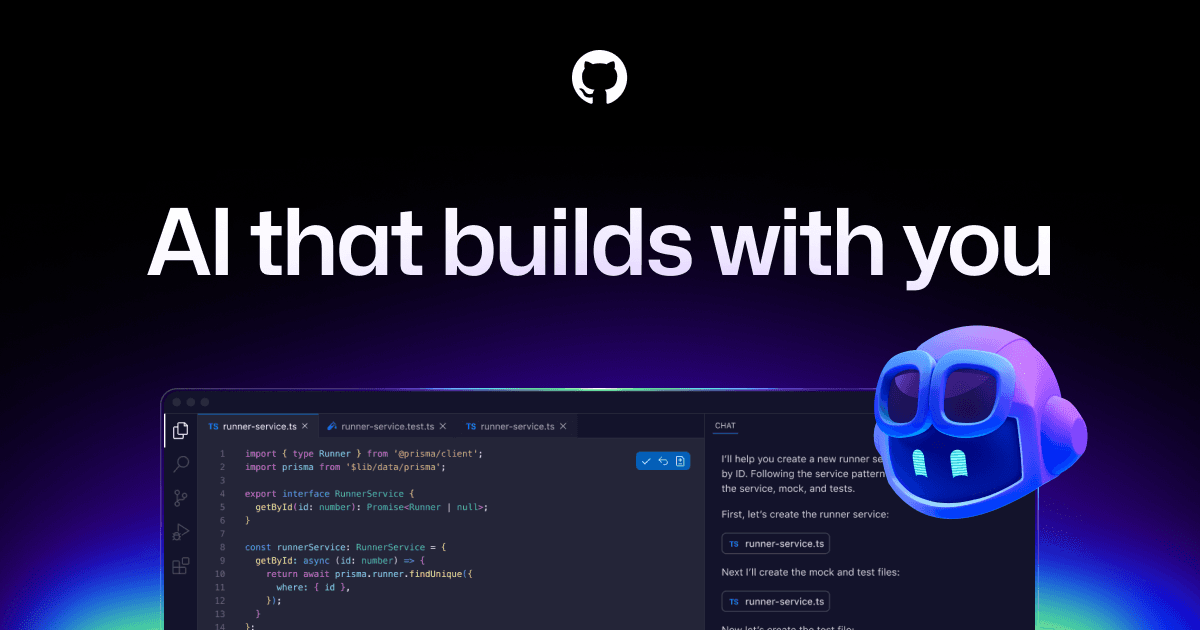
GitHub Copilot AI writes code, explains code, and generates tests
Project management with boards, milestones, and discussions
Source: GitHub·Verified March 2026
Subscribe to repos in Slack channels via /github subscribe. Rich previews for PRs, issues, code snippets. Execute GitHub actions from Slack: close/reopen issues and PRs.
Supabase GitHub integration creates ephemeral preview branches per PR. Auto-applies database migrations and deploys Edge Functions on every commit push.
GitHub webhooks send repo event notifications directly to Discord channels. Rich embeds for pushes, PRs, issues, releases.
Clockify browser extension adds timer button within GitHub issues for time tracking without leaving GitHub.
Hubstaff tracks time spent on GitHub issues directly within GitHub interface.
Harvest browser extension adds time tracking buttons to GitHub issues and PRs.
Both expose APIs. GitHub Actions can automate workflows triggered by Figma changes. No direct native integration.
Official Asana-GitHub integration links PRs and branches to Asana tasks. Auto-updates task status when PRs merge.
Grafana Cloud GitHub integration connects GitHub alerts and incidents to Grafana monitoring and IRM workflows.
Both expose comprehensive REST APIs. GitHub Actions can automate Stripe-related deployment workflows.
Native Airtable integration — sync GitHub issues, PRs, and repos with Airtable bases
Official GitHub for Jira app syncs PRs, deployments, branches, builds, commits to Jira issues. Smart Commits transition issues from commit messages. Create branches from Jira issues.
Showing 12 of 25 integrations.
Copilot suggests code, writes functions, generates tests, explains code, and answers questions about your codebase. Copilot Chat for in-editor Q&A. AI security scanning finds vulnerabilities automatically.
Source: GitHub·Verified March 2026
A step-by-step 2025 video tutorial covering account creation, GitHub Desktop setup, and everyday GitHub workflows for those with no prior experience.
A comprehensive beginner-to-intermediate video crash course covering Git basics, repositories, and how to use GitHub for collaborative software development.
GitHub Skills' interactive exercise walks you through the core GitHub workflow so you can start contributing to projects in under an hour.
A hands-on quickstart tutorial that teaches essential GitHub concepts—repositories, branches, commits, and pull requests—by building a simple project.
Official GitHub documentation covering account setup, core concepts, and how to start building and managing software projects on GitHub.
AI-generated training guides tailored to your team's size, skill level, and focus areas for GitHub — coming in v0.3.2.
View our roadmap →We're building a review system so business owners like you can share real experiences with GitHub.
Real workflows that use GitHub to save time.
Save 3 hours/week on issue triage and cut critical bug response time by 50%.
Eliminate your weekly status meeting and keep every team member up to date in under 2 minutes with zero manual effort.
Save 2 hours of code review time per week by cutting AI-generated code that doesn't match your standards.
Reduce AI re-prompting cycles by 60% and save 90 minutes of developer time per week.
Last researched: March 2026