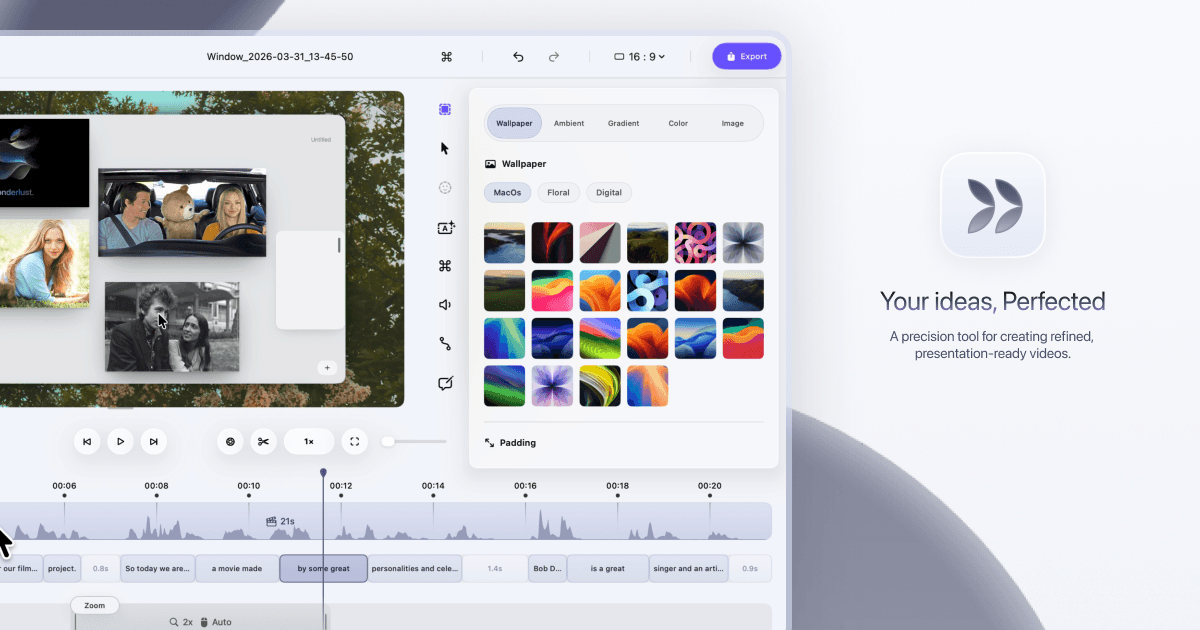
Use Dina to record each lesson in your online course, then organize every exported video and its AI-generated captions into a structured Notion database. Students get a searchable, professional course library without you paying for a separate course platform. Updating a lesson takes minutes instead of hours.
Record each course lesson in Dina and let AI captions generate automatically
Export each video in 4K and download the caption file from Dina
Build a Notion database with fields for lesson number, title, video link, and transcript
Upload each video to a free host like YouTube (unlisted) and paste the link into Notion
Add the caption text to the transcript field in each Notion record
Share the Notion database with students using a public or invite link
Create a free account to get the steps written out for your tools, click by click.
Create a free accountLaunch a 10-lesson course in one week instead of one month and cut production costs by $200/month.
Grab a 15-minute chat. We don't sell software, so we have no stake in which one you use.
Run this in your main platform instead? Check how it connects first: its API, native apps, Zapier or Make, and the plan each one needs.
Open the Integration CheckerWe build the missing piece next to the software you already run.
Get it built