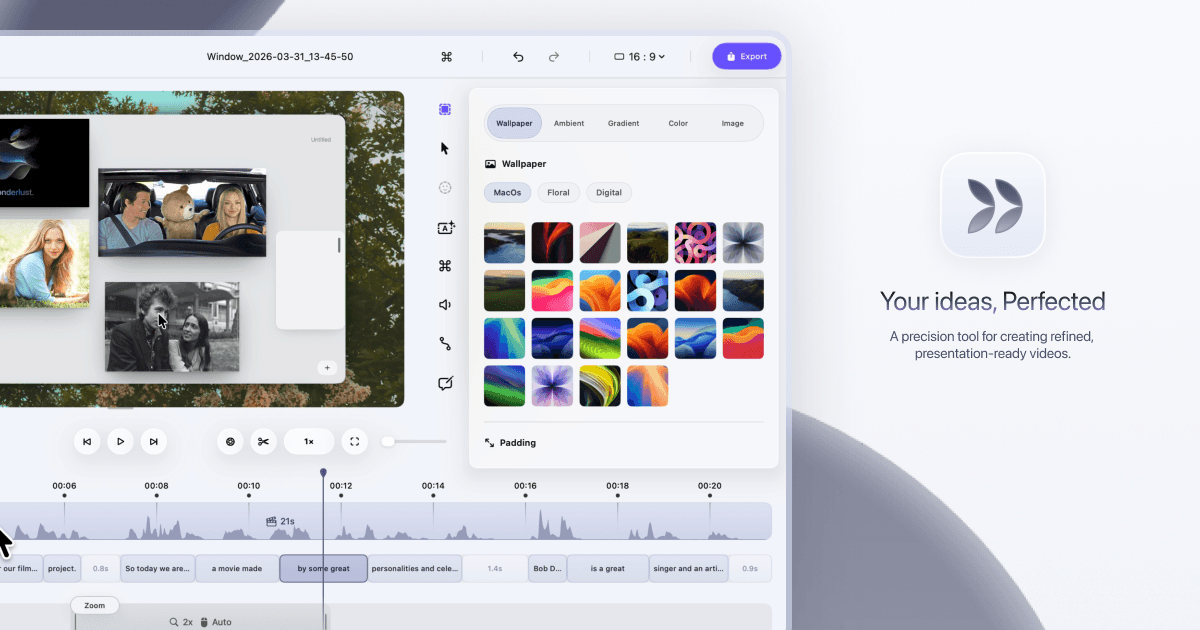
Ask ChatGPT (an AI writing assistant) to write a tight, structured script for your tutorial or demo, then use that script as your guide while recording in Dina. Dina cleans up the visuals while ChatGPT handles the words, so your videos are clear and on-point from the start. You spend less time re-recording because you know exactly what to say.
Open ChatGPT and prompt it with your video topic, audience, and desired length
Ask ChatGPT to write a step-by-step script with clear section headers
Review and lightly edit the script so it sounds like you
Open Dina and keep the script visible on a second monitor or printed out
Record your screen walkthrough in Dina following the script
Let Dina auto-apply zoom, cursor animations, and captions to finish the video
Create a free account to get the steps written out for your tools, click by click.
Create a free accountCut your recording sessions short by going in with a ready script.
Grab a 15-minute chat. We don't sell software, so we have no stake in which one you use.
Run this in your main platform instead? Check how it connects first: its API, native apps, Zapier or Make, and the plan each one needs.
Open the Integration CheckerWe build the missing piece next to the software you already run.
Get it built